Go to google.com and use the 'Sign in' button at the top right corner (if you don't see that option, you may already be signed in with a personal Google account that you'll need to sign out of first). You may see a 'Choose an account' prompt - click 'Use another account'. You'll come to the Sign in page.
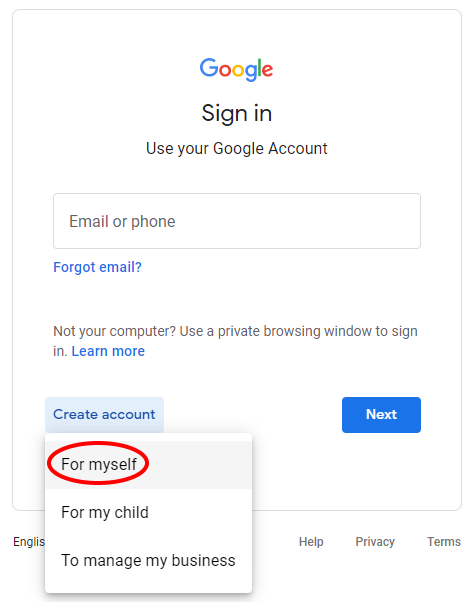
Click 'Create account' then 'For myself':
Click 'Use my current email address instead', fill in the form using your @fixauto.com address & click next:

You'll then receive an email with a verification code to put into the next prompt:
Click 'Use my current email address instead', fill in the form using your @fixauto.com address & click next:
You'll then receive an email with a verification code to put into the next prompt:

Once you click Verify, follow through the rest of the steps until the account is complete.