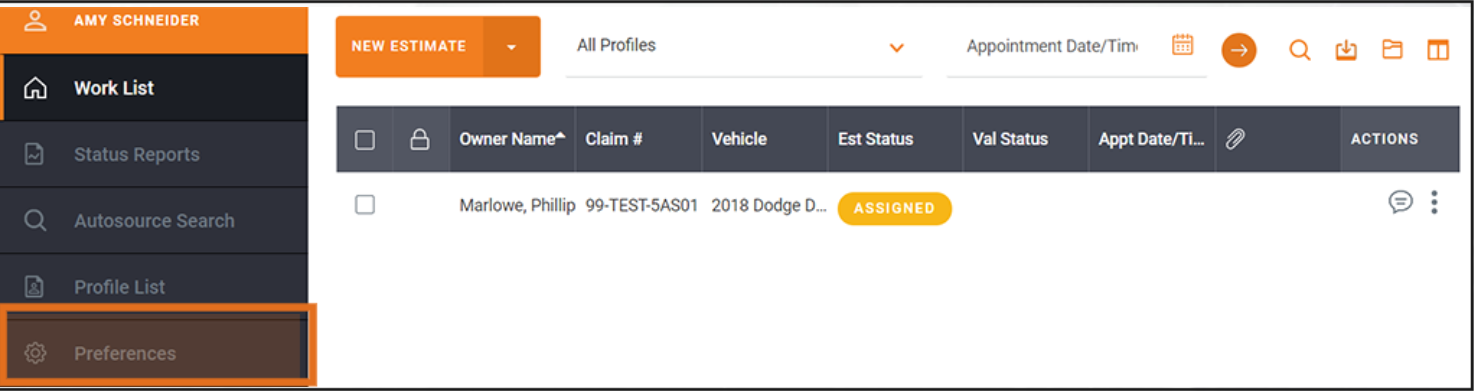
Click Preferences from the menu:
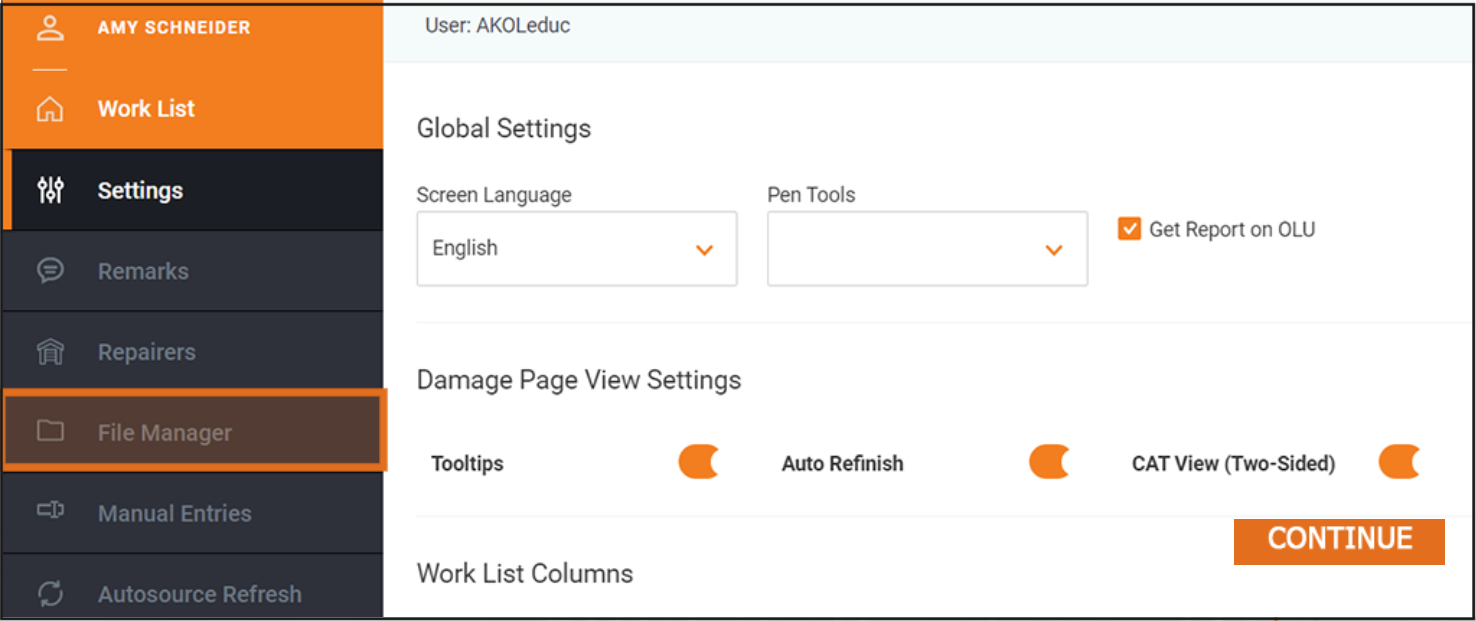
Click File Manager:
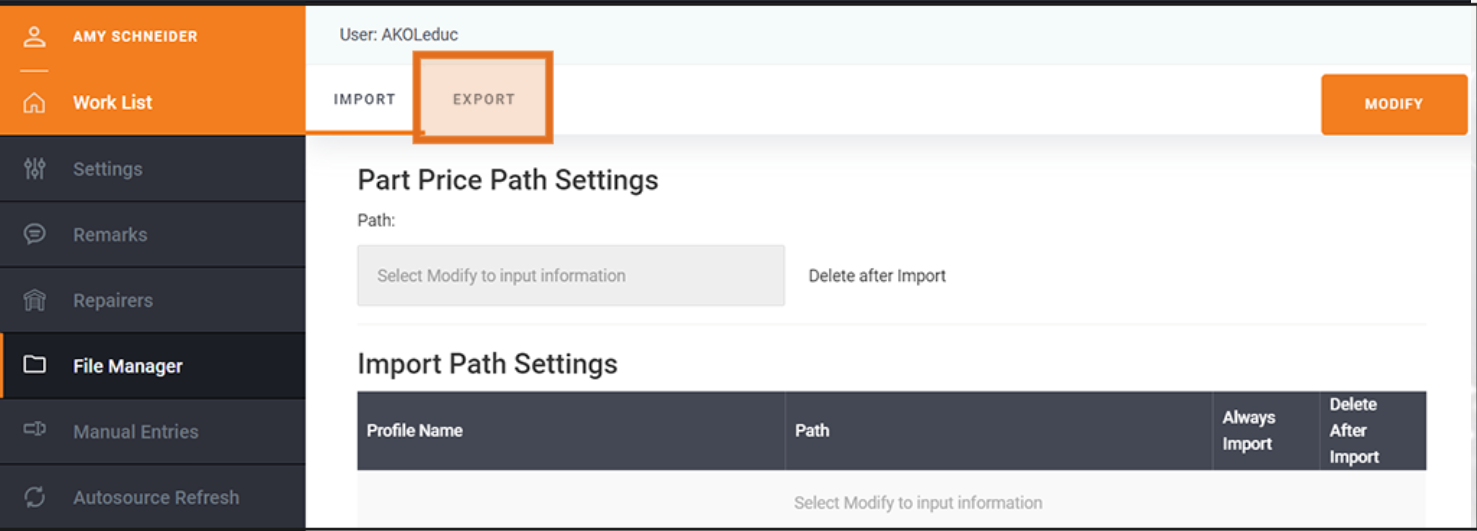
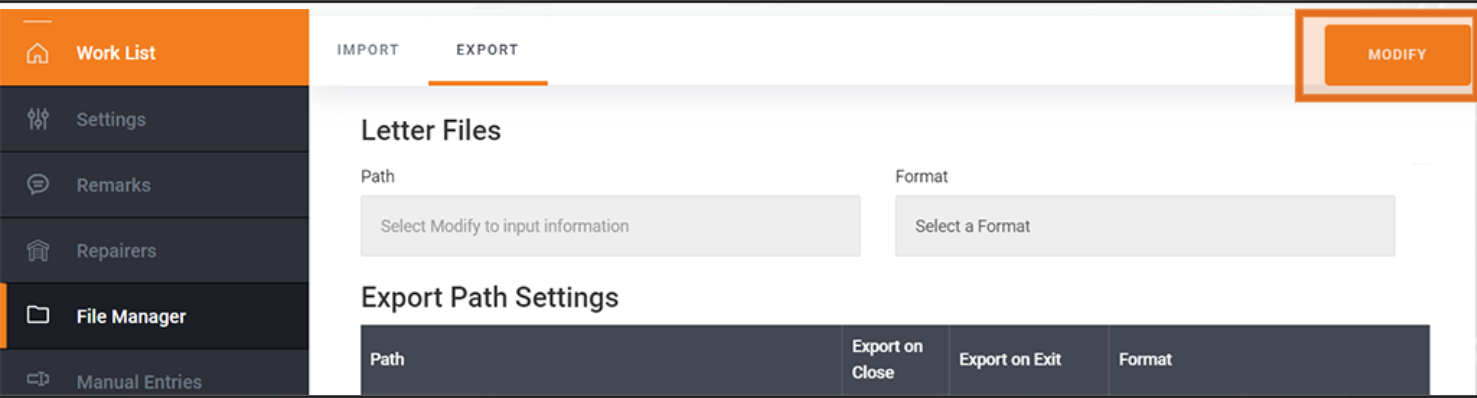
Click Export, then Modify:
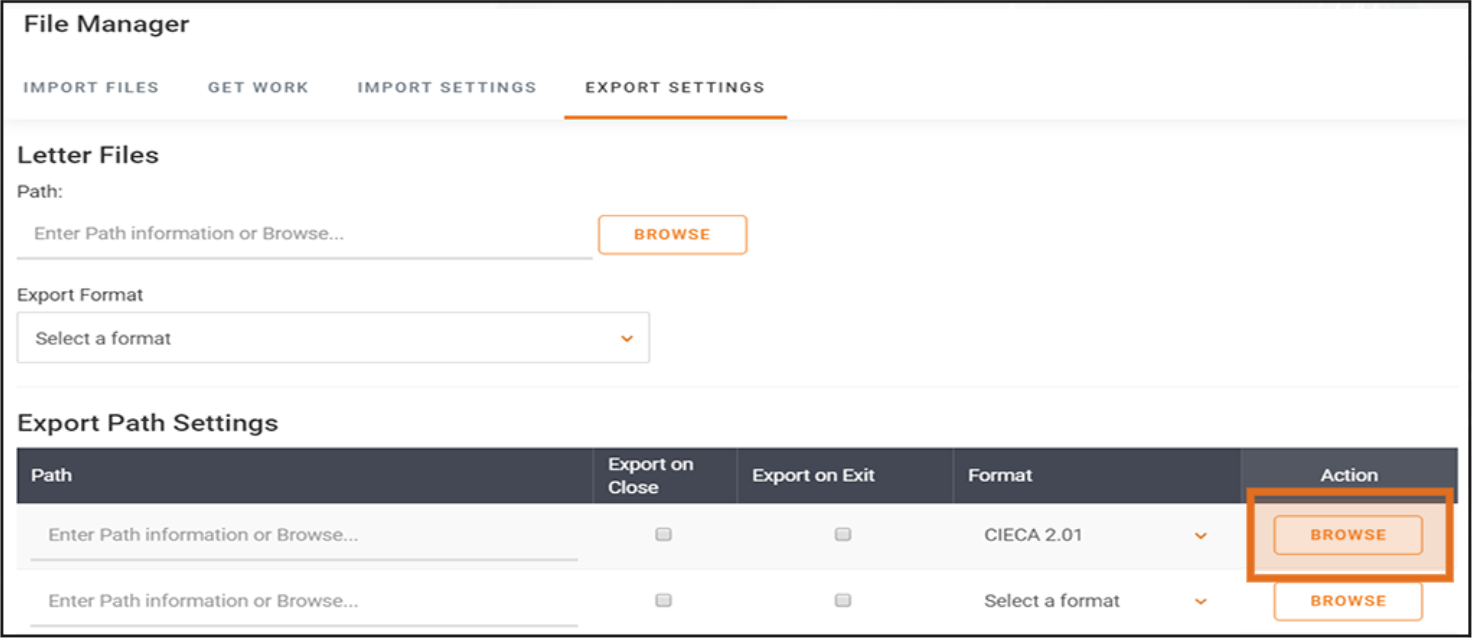
Click the first Browse button:
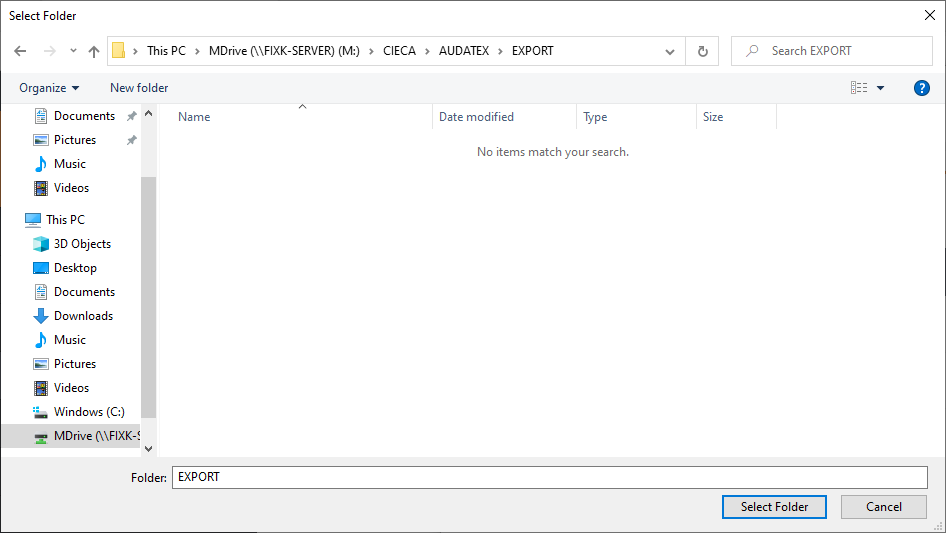
Navigate to This PC\M:\CIECA\AUDATEX\EXPORT (you may see a slightly different prompt than the one pictured), then click OK or Select Folder:
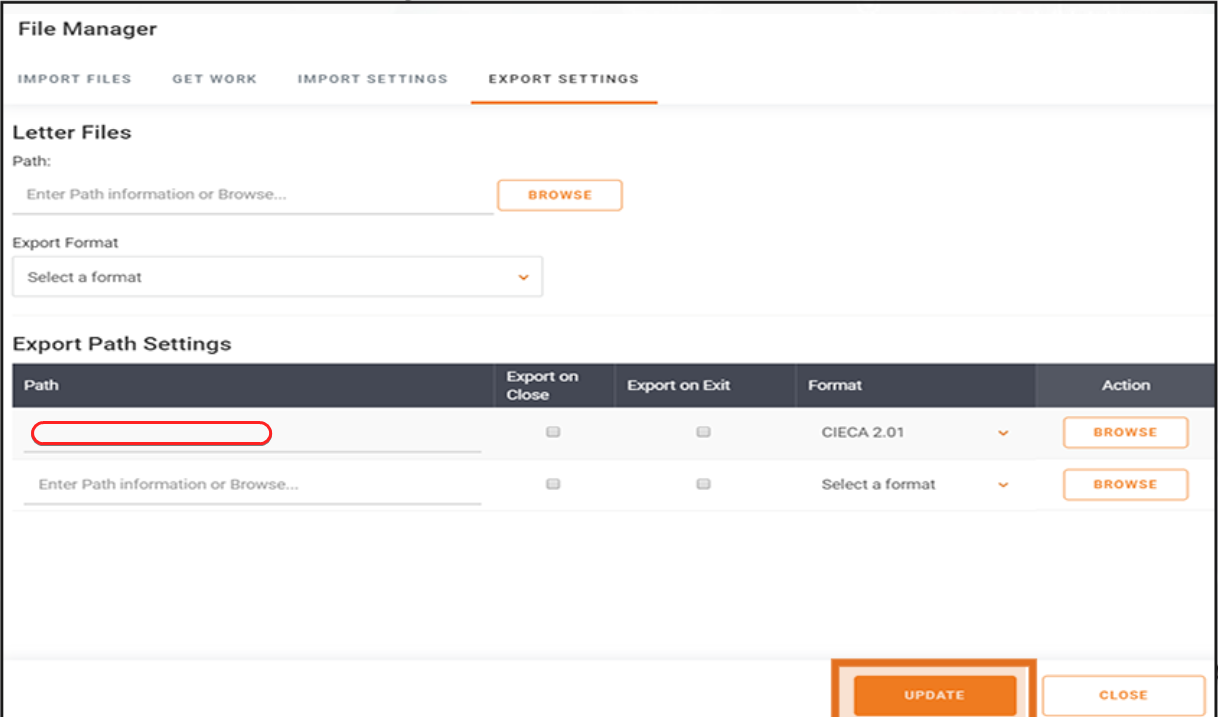
Ensure that Path (highlighted in red below) is set to M:\CIECA\AUDATEX\EXPORT, click Update, then click Close: